
Yamaha KX Remote Tools Installation Guide

This is an installation guide for KX Remote Tools.
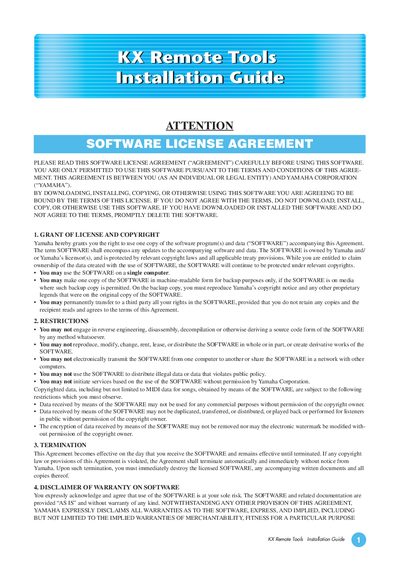

Yamaha KX Remote Tools Installation Guide - cover page
Brand
Yamaha
Category
Other software
Document type
Installation Guide
Language
English
Pages
5
File format
PDF
File size
97 KB
Published
12 June, 2012
Updated
30 September, 2023
MD5 checksum
187465A1F5DBC9D5751716BE0E88EB32

About this manual

KX Remote Tools consists of two components: KX Editor, used to create Control Templates for the KX USB Keyboard Studio, and KX Extension, a dedicated program within Extensions for Steinberg DAW that enables integrated features for the KX. To use these tools, users must first install a compatible Digital Audio Workstation (DAW) software like Cubase and an appropriate USB-MIDI driver.

What's inside

  • Software License Agreement
  • About KX Remote Tools
  • Prerequisites
  • Windows Installation
  • Mac Installation
  • Uninstallation

Frequently asked questions

What software components are included in KX Remote Tools?

KX Remote Tools consists of two software components: KX Editor and KX Extension.

What DAW software is required to use KX Remote Tools?

You need to install a DAW software, such as Cubase.

Download PDF (97 KB)

More Yamaha Manuals


View all Yamaha manuals →