
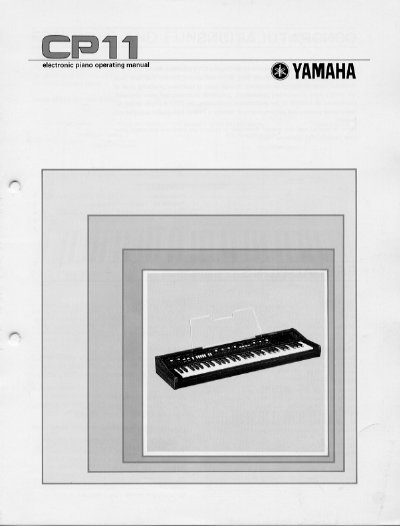
This manual provides instructions for setting up and operating the Yamaha CP11 electronic piano. It covers safety precautions, initial connection steps including power and external audio systems, and explains how to use the built-in amplifier and speaker.
The guide details the operation of various controls such as Volume, Equalizer, Tone Select, Pitch, Tremolo, and Sustain. It also includes specific instructions for using the Auto-Accompaniment section and connecting optional accessories like the FC-5 foot pedal.
| Keyboard Range | C1 to C6 (61 keys, 5 octaves) |
|---|---|
| Maximum Polyphony | 10 notes |
| Pitch Range | 435 to 450 Hz |
| Output Level | -10 dBm (line level) |
| Impedance | 600 ohms |
The keyboard range extends from C1 to C6, covering 61 keys and 5 octaves.
Yes, you can connect a power amplifier and speaker system or an integrated amp/speaker via the rear-panel OUTPUT jack.
Use the PITCH control knob; turning it towards '+' raises the pitch and towards '-' lowers it.