
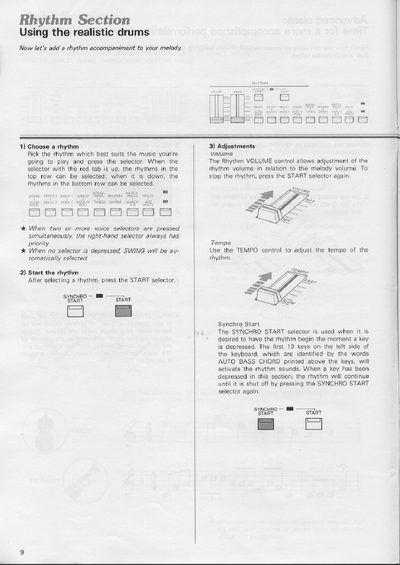
This manual explains how to add rhythm accompaniment to melodies on the Yamaha CN-1000. It details how to select and start rhythms, adjust volume and tempo, and use the Tempo Light as a visual metronome. The guide covers the Fill In function for drum solos and explains the priority rules when multiple voice selectors are pressed.
Press the selector; when the red tab is up, select top row rhythms, and when down, select bottom row rhythms.
The SWING rhythm will be automatically selected.
It acts as a visual metronome, flashing at the first beat of every bar when a rhythm is activated.
The current rhythm is interrupted by a short drum solo, and the Auto Bass Chord voices are cut off.