
The TSX-100 is a desktop audio system with a warning about hazardous radiation exposure and cautions about the use of controls or adjustments.
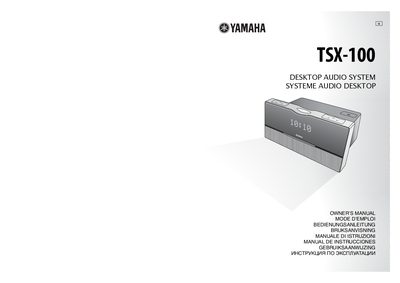
This document is the official user manual for the Yamaha TSX-100 Desktop Audio System. It provides comprehensive guidance on installation, safety precautions regarding laser radiation, and proper operating conditions to ensure optimal performance and prevent damage.
The guide details how to turn on the power, adjust settings like the clock and volume, select input sources, and operate various playback functions including CDs, MP3/WMA files, external audio devices, FM/AM radio, and timer features. It also includes a troubleshooting section for common operating errors.
You must leave at least 10 cm of space on the top, left, right, and back of the unit.
Using the unit with a higher voltage may cause fire, damage to the unit, and/or personal injury.
No, the unit remains connected to the AC power source and consumes a very small quantity of power in standby mode.