
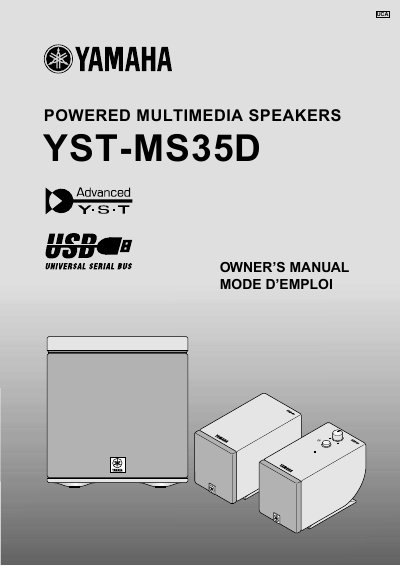
Yamaha YST-MS35D Powered Multimedia Speakers Owner's Manual


Yamaha YST-MS35D Powered Multimedia Speakers Owner's Manual - cover page
Brand
Yamaha
Category
Home Speakers
Document type
User Manual
Language
English
Pages
15
File format
PDF
File size
251 KB
Published
11 June, 2012
Updated
29 September, 2023
MD5 checksum
C0ADEBE7D790197D47B9E7FDEA255B3D

About this manual

This document is the Owner's Manual for the Yamaha YST-MS35D Powered Multimedia Speakers. It covers safety instructions, setup procedures including USB driver installation for Windows and Macintosh, and connection methods for non-USB systems. The guide also details how to adjust volume, bass, and treble, and provides troubleshooting tips.

What's inside

  • Introducing the YST-MS35D Speaker System
  • Controls & Connectors
  • Installing USB driver
  • Connecting to a non-USB system
  • Enjoying your YST-MS35D Speaker System
  • Adjusting the Volume, Bass, and Treble
  • Troubleshooting
  • Speaker angle and Non skid pad
  • Specifications

Frequently asked questions

What operating systems are supported for installing the USB driver?

The manual states that the USB driver is for Microsoft Windows 98/98SE or Windows Me, Microsoft Windows 2000 Professional, and Macintosh computers.

What should be done to the volume control before starting playback?

You must always turn the volume control counterclockwise to the minimum before starting to play the audio source.

What steps are required before moving the speakers?

Before moving the YST-MS35D, you must first turn off the power, then disconnect the AC adaptor and the cables from connected devices.

Download PDF (251 KB)

More Yamaha Manuals


View all Yamaha manuals →