
The document is the owner's manual for Dell Photo All-In-One Printer 964, providing information on using the printer, understanding the printer software, maintenance, and troubleshooting.
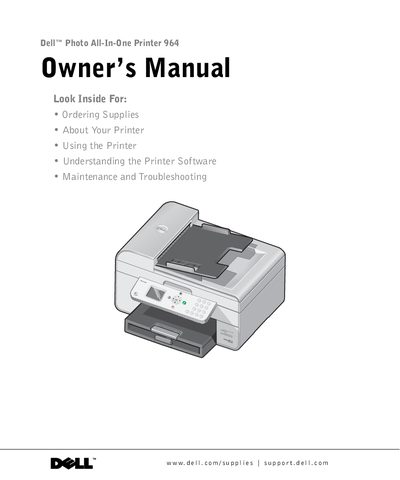
The Dell Photo All-In-One Printer 964 is a multifunction device designed to print documents and photos, copy originals, scan images, and send faxes. The printer includes software that detects ink levels and warns users when supplies are low.
This guide covers the initial setup of the operator panel and paper loading procedures. It details how to use the various functions including printing borderless photos from cameras or memory cards, copying documents with adjustable settings, scanning images over a network, and configuring fax transmission via the printer's internal modem.
You can order ink online at www.dell.com/supplies or by phone using the contact numbers listed in the manual.
A screen appears on your computer to warn you of low ink levels during a print job.
Yes, the printer supports printing photos from PictBridge-enabled cameras.