
This document is a quick start guide for iPhone, explaining how to set up and use its key features.
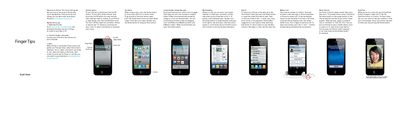
Welcome to iPhone. This Quick Start guide tells you how to set up your iPhone and use its key features. Once you're up and calling, you can learn even more about iPhone at apple.com.
The document covers essential setup steps including downloading iTunes, connecting to a computer for syncing, and using the On/Off button. It also details basic operations such as navigating the Home screen, making calls, using Voice Control, taking photos, recording HD video, and managing music playback.
To turn iPhone on, firmly press the On/Off button. To turn off or restart iPhone, hold down the On/Off button for a few seconds, then slide the slider to confirm.
Touch and hold any icon until it starts to jiggle. Then drag one icon onto another to create a folder.
Hold down the Home button or the center button on the iPhone headset until the Voice Control screen appears, then speak a command such as 'call Elliot'.
Tap Camera, then set the Camera/Video switch to video. Tap the Record button to start recording and tap it again to stop.