
This document is about the use of the E-1 hp 9g graphing calculator, including power supply, turning on or off, battery replacement, auto power-off function, reset operation, contrast adjustment, display features, graph display, calculation display, changing modes, selecting an item from a menu, key labels, using the 2nd and ALPHA keys, cursor operation, inserting and deleting characters, recalling previous inputs and results, memory usage, running memory, standard memory variables, storing an equation, array variables, order of operations, accuracy and capacity, error conditions, and basic calculations.
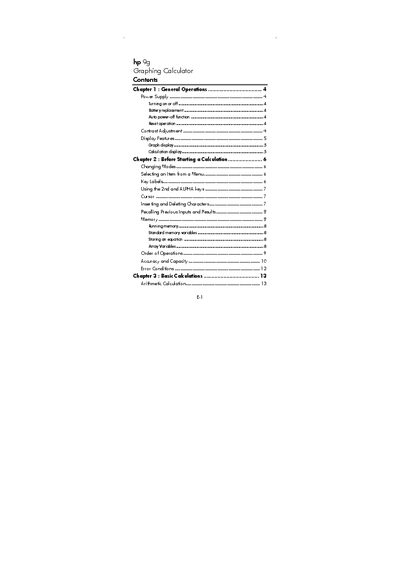
This manual covers the basic operation of the HP 9g Graphing Calculator, including turning the device on or off, battery replacement, the auto‑power‑off feature, reset procedures, and contrast adjustment. It also describes the display features such as graph and calculation screens.
Further sections guide users through menu navigation, entering and editing characters, recalling previous inputs, using memory variables, storing equations, array variables, and understanding order of operations. Programming examples illustrate how to create and run simple programs on the calculator.
Press the ON/OFF key to turn the calculator on or off.
Use the contrast adjustment function to change the screen contrast.
Activate the reset operation as described in the manual to restore default settings.