
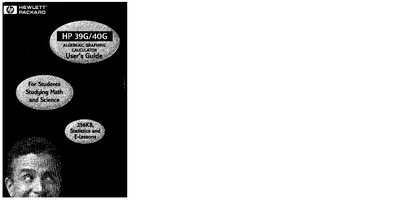
HP 39G/40G Graphing Calculator User Guide


HP 39G/40G Graphing Calculator User Guide - cover page
Brand
HP
Category
Other Electronics
Document type
User Manual
Language
English
Pages
292
File format
PDF
File size
9.8 MB
Published
04 June, 2012
Updated
04 June, 2012
Models
39G, 40G
MD5 checksum
D2870D6399FF9452D9D2B99BCA5B3096

About this manual

This guide introduces the HP 39G/40G graphing calculator, covering basic operation, menu navigation, and the use of built‑in aplets for algebra, calculus, statistics, and more. It also explains how to manage variables, matrices, lists, and notes within the device.

The manual includes detailed sections on each aplet type, memory management, battery information, physical dimensions, regulatory compliance, and service and support contacts.

What's inside

  • Getting Started
  • Aplets and Their Views
  • Function Aplet
  • Statistics Aplet
  • Variables and Memory Management
  • Matrices
  • Lists
  • Notes and Sketches
  • Service and Support

Specifications

Built‑in memory256 KB
Battery type3 × AAA
EMC compliance (Canada)Class B
FCC compliancePart 15

Frequently asked questions

How many batteries does the HP 39G/40G require?

It uses three AAA batteries.

What is the built‑in memory capacity of the HP 39G/40G?

The calculator provides 256 KB of built‑in memory.

Does the HP 39G/40G meet FCC regulations?

Yes, it complies with part 15 of the FCC Rules.

Download PDF (9.8 MB)

More HP Manuals


View all HP manuals →