
This manual introduces the features and functions of the µFLOG4 flow computer.
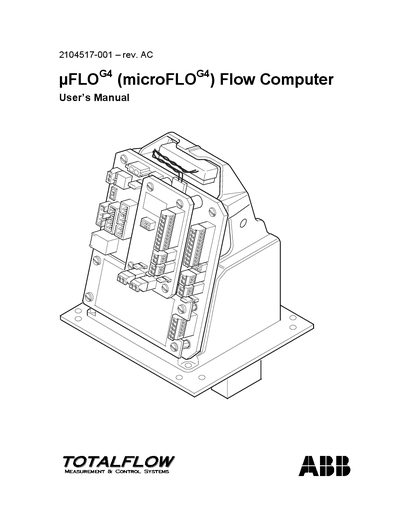
This manual describes the uFLO™ (microFLO™) flow computer, its hardware components, and software features. It includes detailed sections on system description, installation options (pipe‑mount, wall‑mount, battery and solar‑panel installations), and connectivity (USB, RS‑232, Ethernet, Bluetooth).
Later chapters cover maintenance procedures, calibration, clock changes, and extensive troubleshooting guidance, plus an appendix with Modbus register maps for advanced configuration.
The manual provides step‑by‑step instructions in section 4.10 for removing the existing battery pack and installing a new one.
Section 3.3.3 explains the setup of the uFLO™ for Ethernet connectivity, including IP configuration.
Both hardware and software warm boot procedures are described in sections 45.1 and 45.2 of the manual.
Appendix A contains the complete Modbus register maps for the uFLO™ system.