
This manual introduces the basic use of Nokia phones, including power on, power off, charging, calling, text messages, pictures, videos, music, Bluetooth, network, backup and other functions.
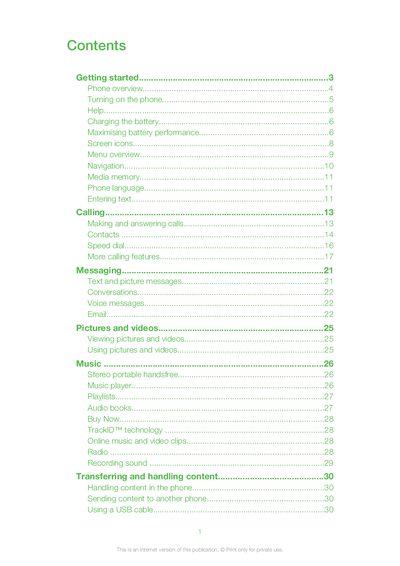
This guide covers everything you need to know about the Sony Ericsson Xperia Pureness, from turning the phone on and inserting the SIM card to using the camera, music player, and web browser. It also explains how to manage contacts, messages, and various settings such as Bluetooth, Wi‑Fi, and 3G.
Additional sections describe battery care, software updates, troubleshooting common issues, and tips for maximizing performance. The manual includes a full list of screen icons and a quick reference for frequently used functions.
| Battery type | Non‑removable |
|---|---|
| Battery charge state on purchase | Partly charged |
Press and hold the power key on the back of the phone until it starts.
Open the cover, then insert the SIM card with the gold‑coloured contacts facing down.