
This is the user's guide for the Sony Ericsson W910i phone
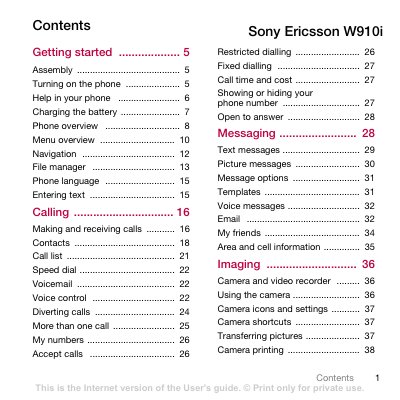
This manual guides you through the initial setup of the Sony Ericsson W910i, including inserting the SIM card and battery, turning the phone on, and selecting the operating mode. It also explains how to navigate the menu system, use the phone’s key functions, and access common features such as calls, messaging, and internet settings.
Further sections cover multimedia functions like the camera, video recorder, Walkman® player, and Bluetooth connectivity, as well as how to transfer pictures, music, and other files. Safety guidelines, warranty information, and troubleshooting tips are provided to help you use the device safely and efficiently.
| Network bands | UMTS 2100, GSM 900/1800/1900 |
|---|---|
| Battery full charge time | approximately 2.5 hours |
Unlock the battery cover, remove it, and slide the SIM card into its holder with the golden contacts facing down.
It takes about 2.5 hours to fully charge the battery.
Press and hold the power key (marked D) to turn the phone on.