
This is a Sony Ericsson mobile phone user manual, which introduces the functions and usage methods of the mobile phone
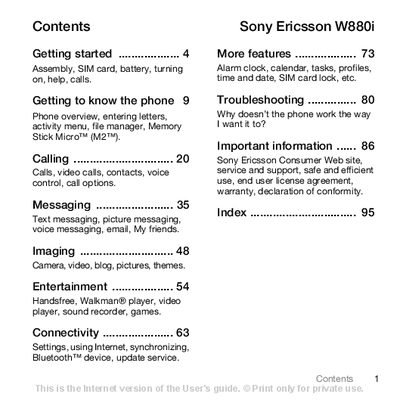
The guide starts with getting‑started instructions, showing how to insert the SIM card and battery, charge the battery, and turn the phone on. It also explains the setup wizard, flight mode, and basic navigation of the menu system.
Subsequent sections describe the phone’s core functions such as making calls, messaging, camera and video features, Walkman music playback, Bluetooth connectivity, and other entertainment options. The manual finishes with troubleshooting tips, safety information, and an index of topics.
| Network support | UMTS 2100, GSM 900/1800/1900 |
|---|---|
| Battery type | Sony Ericsson m 89 Battery |
| Memory card | Memory Stick Micro™ (M2™) |
| Charging time | Approximately 2.5 hours to full charge |
Remove the battery cover, slide the SIM card in with contacts down, then insert the battery with the label side up and replace the cover.
Press and hold the centre navigation key (C) until the phone starts up.
Enter the PUK (Personal Unblocking Key) to unblock the SIM after three incorrect PIN attempts.
A full charge takes about 2.5 hours after the initial 30‑minute charging period.