
This document is the user manual of Sony Ericsson W610i phone, which introduces the assembly, use and functions of the phone.
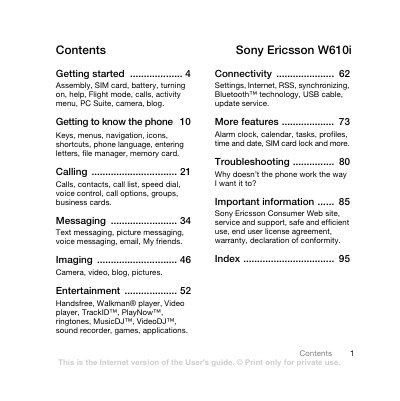
This manual covers getting started with the W610i, including inserting the SIM card and battery, charging, turning the phone on, and navigating the setup wizard. It explains the activity menu, shortcuts, and basic phone functions such as making calls and sending messages.
The guide also details the phone's multimedia features (camera, video, Walkman player, MusicDJ, etc.), connectivity options (Bluetooth, USB, Internet, RSS), and additional utilities like alarm clock, calendar, and safety guidelines. Troubleshooting tips and important safety and warranty information are provided at the end.
| GSM bands | 850/900/1800/1900 |
|---|---|
| Memory card type | Memory Stick Micro (M2) |
| Battery | Removable, Sony Ericsson approved |
Remove the battery cover, slide the SIM card in with contacts down, then insert the battery with the label side up and replace the cover.
Press and hold the power key (marked @) until the phone starts; the first start‑up may take a few minutes.
Open Settings → General → Flight mode and select the Flight mode option, which disables network, Bluetooth and FM radio.