
The W78E365 is an 8-bit microcontroller with an in-system programmable Flash EPROM for firmware updating. The instruction set of the W78E365 is fully compatible with the standard 8052. The W78E365 contains a 64K bytes of main Flash APROM and a 4K bytes of auxiliary Flash LDROM which allows the contents of the 64KB
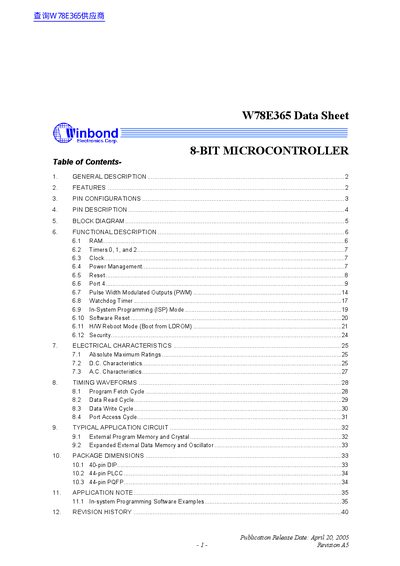
The W78E365 is an 8‑bit CMOS microcontroller compatible with the 8052 instruction set. It provides 64 KB of main Flash APROM, 4 KB of auxiliary LDROM, and 256 + 1 KB of on‑chip RAM, together with four 8‑bit bi‑directional I/O ports, an extra 4‑bit programmable port, three 16‑bit timers, a full‑duplex serial port, watchdog timer and PWM capability.
The datasheet details pin configurations for DIP‑40, PLCC‑44 and QFP‑44 packages, functional block diagrams, clock options (crystal or external), power‑management modes (idle and power‑down), reset behavior, and programming registers. Revision history and contact information for Winbond are also included.
| Main Flash APROM size | 64 KB |
|---|---|
| Auxiliary Flash LDROM size | 4 KB |
| On‑chip RAM | 256 + 1 KB |
| 8‑bit I/O ports | 4 |
| Additional programmable port | 4‑bit (P4) |
| Timer/counters | Three 16‑bit |
| Serial port | Full‑duplex |
| Watchdog timer | Included |
| PWM capability | Schannel PWM |
| Power‑management modes | Idle and Power‑down |
| Package options | DIP‑40, PLCC‑44, QFP‑44 |
The W78E365 supports an idle mode and a power‑down mode, both selectable by software.
Connect the external clock to pin XTAL1; leave XTAL2 unconnected.