
This datasheet mainly introduces the function and characteristics of the W78C51D 8-bit microcontroller, including the working principle, pin function, external interface, and usage method.
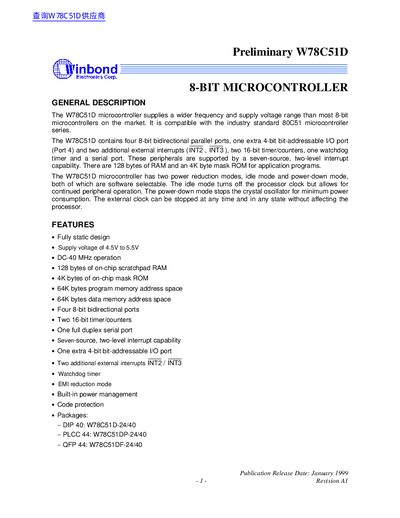
This manual describes the Winbond W78C51D microcontroller, an 8‑bit device compatible with the standard 80C51 series. It outlines the general description, features, pin configurations, and functional blocks such as timers, serial port, watchdog timer, and power‑management modes.
The document also includes detailed pin descriptions, register definitions, peripheral functions, and package dimensions for the DIP‑40, PLCC‑44, and QFP‑44 variants, along with contact information for Winbond Electronics.
| Supply voltage | 4.5 V to 5.5 V |
|---|---|
| Maximum clock frequency | DC‑40 MHz |
| On‑chip RAM | 128 bytes |
| On‑chip ROM | 4 KB mask ROM |
| Program memory address space | 64 KB |
| Data memory address space | 64 KB |
| 8‑bit I/O ports | Four bidirectional ports |
| Additional I/O port | One 4‑bit bit‑addressable port (P4) |
| Timer/counters | Two 16‑bit timers |
| Serial port | One full‑duplex serial port |
| External interrupts | Two additional (INT2, INT3) |
| Watchdog timer | Integrated |
| EMI reduction mode | Supported |
| Power management | Built‑in |
| Code protection | Available |
| Package (DIP‑40) | W78C51D-24/40 |
| Package (PLCC‑44) | W78C51DP-24/40 |
| Package (QFP‑44) | W78C51DF-24/40 |
The device operates from 4.5 V to 5.5 V.
It provides four 8‑bit bidirectional ports plus an extra 4‑bit bit‑addressable port (P4).
Set the ENW bit in the Watchdog Timer Control Register (WDTC) to enable the watchdog.
Idle mode is entered by setting the IDL bit in the PCON register.