
This document is the user guide for ATLAS DVR/PVR 5-DEVICE Universal Remote Control, describing the features and functions of the product.
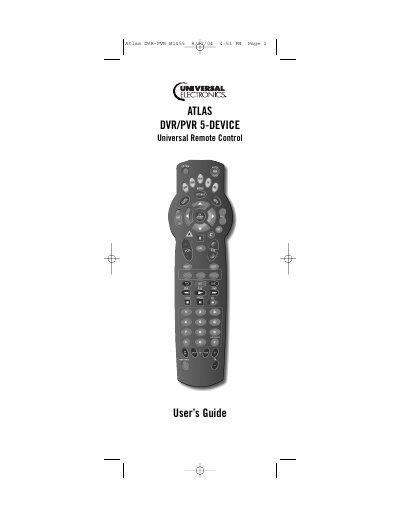
The Atlas DVR/PVR 5‑Device Universal Remote Control consolidates up to five of your original home entertainment remote controls into a single unit. It includes pre‑programmed keys for cable converters, DVR/PVRs, audio receivers, and more, plus features such as Master Power, Channel Lock, Volume Lock, and Tune‑In keys.
The guide walks you through installing the two AA batteries, programming devices using the SETUP button and four‑digit manufacturer codes, and using special functions like Master Power, Channel Control Lock, and Volume Lock. A full list of manufacturer codes for VCRs, DVD players, TVs, and audio equipment is provided for easy reference.
| Battery type | 2 AA batteries |
|---|---|
| Maximum devices controllable | Up to five devices |
Open the battery cover on the back, insert two AA batteries matching the + and – marks, and close the cover.
Press the device key, hold SETUP until the key blinks twice, then enter the four‑digit code from the Manufacturer’s Codes list.
Use the Programming Channel Control Lock sequence described in the manual to lock channel changes to the selected device.
The Master Power key turns all programmed devices on or off with a single press.