
The ATLAS OCAP 5-Device Remote Control is a remote control that supports multiple devices, specifically designed for Set-Top Box. It offers various features and functions.
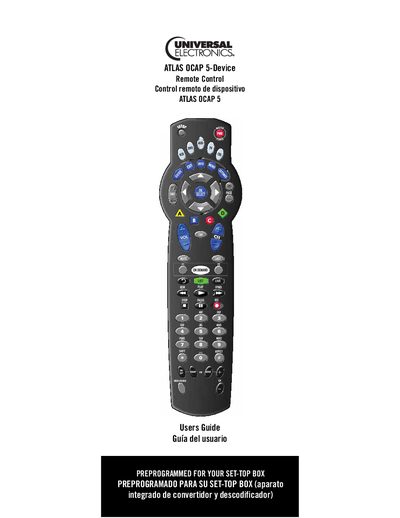
The OCAP 5-Device Remote Control consolidates up to five home‑entertainment devices into a single universal remote. It includes pre‑programmed codes for cable converters, dedicated DVR/PVR keys, a programmable Master Power key, macro keys, channel and volume locks, and optional backlighting.
The guide walks you through installing the batteries, programming device control, setting up combo units, searching for codes, and troubleshooting. Detailed key charts and a device table help you identify functions for each button and supported device types.
| Maximum devices controllable | 5 |
|---|---|
| Backlighting | Optional, not available on all remotes |
| Pre‑programmed for cable converter | Yes |
It can control up to five home‑entertainment devices at once.
Open the battery compartment, insert the enclosed batteries as indicated, and close the cover before programming.
Press the SETUP key to begin any programming operation.
Backlighting is optional and not available on all remote models.