
This manual introduces the features and functions of the ATLAS CABLE 4-DEVICE Universal Remote Control, including remote control key charts, battery installation, device control programming, TV/VCR combo control programming, manufacturer codes, searching codes, checking codes, ID lock programming, channel control lock programming and deactivating channel control lock.
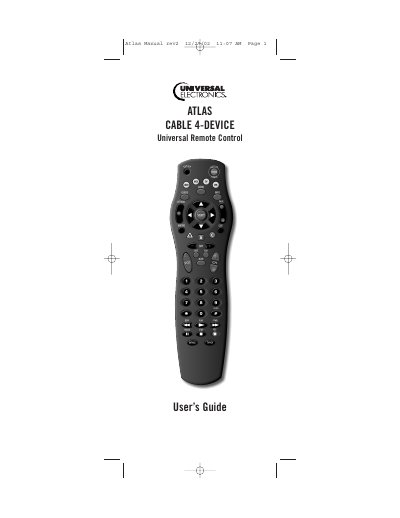
The Atlas 4-Device Universal Remote Control consolidates multiple home‑entertainment remotes into a single, easy‑to‑use device. It includes pre‑programmed cable converter support, a Master Power key, macro functions, ID and channel locks, volume lock options, and device‑key re‑assignment.
This guide walks you through installing the AA batteries, programming each device using the SETUP key, configuring ID and channel locks, using macros, adjusting volume lock settings, and troubleshooting common issues such as unresponsive devices or code problems.
| Battery type | Two AA alkaline batteries |
|---|---|
| Supported devices | Up to 4 devices |
Open the battery cover, insert two AA alkaline batteries matching the polarity marks, and close the cover until it clicks.
Press the device key, hold SETUP until the mode key blinks twice, then enter the four‑digit code from the Manufacturer’s Codes list.
Try all listed codes for the device brand, ensure the remote is aimed at the device within 15 feet, and verify the device uses an infrared remote.
Hold SETUP until the device key blinks, enter 9‑9‑3, then select the desired mode to globally lock the volume controls.