
This document is the owner's manual for the 2005 Toshiba Corporation DVD Recorder D-R255-SG. The manual provides instructions for installation and use of the product, as well as some precautions and legal regulations.
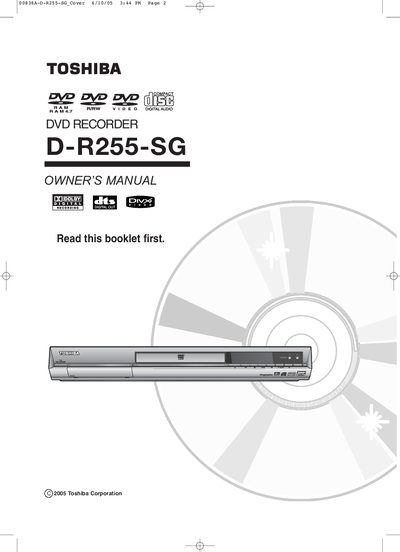
This manual begins with important safety warnings, including electric‑shock hazards, laser radiation cautions, and proper handling of the power plug and cabinet. It also covers environmental precautions such as keeping the unit away from moisture, heat sources, and confined spaces.
The remainder of the guide explains how to connect the recorder, use the remote, operate the front and rear panels, and handle various disc types. Detailed instructions cover disc playback, recording modes, disc cleaning, and troubleshooting, along with specifications for supported media formats and audio/video capabilities.
| Maximum DVD‑Video duration | 135 minutes |
|---|---|
| Audio languages supported | 8 |
| Subtitle languages supported | 32 |
| Audio CD sample rate | 44.1 kHz PCM |
| Supported MP3 bitrate range | 56 Kbps – 320 Kbps |
| Maximum number of files | 1000 files and folders |
| Maximum progressive JPEG size | 3 M pixels |
| Supported disc types | DVD‑Video, DVD‑R, DVD‑RW, DVD‑RAM, CD, CD‑R, CD‑RW, MP3, JPEG |
LD, CD‑G, CD‑I, CD‑ROM, DVD‑ROM, DVD+R and DVD+RW discs are not supported.
The recorder can handle up to 1000 files and folders on a CD‑R or CD‑RW disc.
Reset the clock to the correct time.