
This document is the user's guide for Nokia 7210, describing the features and characteristics of the product.
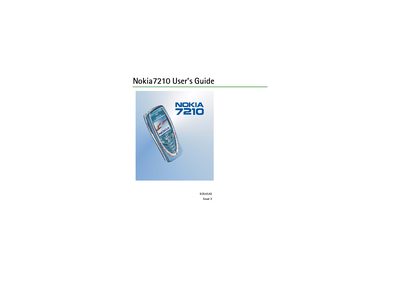
This guide covers safety information, basic phone layout, and how to install the SIM card and battery. It explains the keypad, connectors, and essential indicators, and walks you through getting the phone powered on and ready for use.
The manual also details call functions, text and email composition, phone‑book management, menu navigation, multimedia features, and settings such as language, date, and alarm. Warranty terms and service information are included at the end of the document.
The guide explains the steps for installing the SIM card and battery in the "Getting started" section.
The limited warranty is twelve (12) months from the date of the first purchase.
You can reset the device by selecting "Restore factory settings" from the menu.
The manual includes a section titled "Changing the covers" that describes the procedure.