
This document describes the usage and features of a calculator, including nine different modes and various calculation operations.
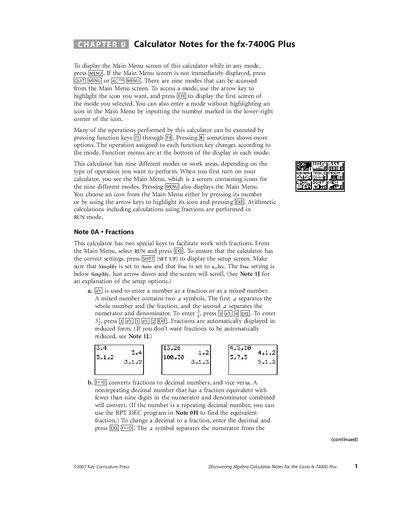
The document explains how to navigate the Main Menu, use the nine available modes, and perform calculations with fractions, exponents, and other functions. It also describes special keys for fraction entry, exponent calculation, and recursion features.
Additional sections cover programming the calculator, linking programs or lists between two calculators, generating random integers, and converting repeating decimals. Step‑by‑step instructions and notes help users enter, edit, and run programs such as the Chaos game.
Press the [MENU] key; if it does not appear immediately, press [quit] [MENU] or [ACN] [MENU].
Enter the decimal number and press the [Fob] key.