
This document is a manual for the Casio fx-7400G Plus calculator. It explains the various modes and settings of the calculator. The calculator has multiple functions for calculations, statistics, and graphing.
The guide explains how to adjust the calculator's mode settings, enter and manage lists, and clear data. It also describes the statistical tools such as mean, median, mode, box plots, histograms, scatter plots, and bar graphs.
Each section includes step‑by‑step key sequences for tasks like setting view windows, creating graphs, and performing calculations, making it a practical reference for students using the fx-7400G Plus in algebra courses.
| Maximum list elements | 255 |
|---|---|
| Number of lists | 6 |
| Display options | Fix, Sci, Norm, Eng |
| Angle measure default | Deg (degree) |
| Maximum items in a bar graph | 14 |
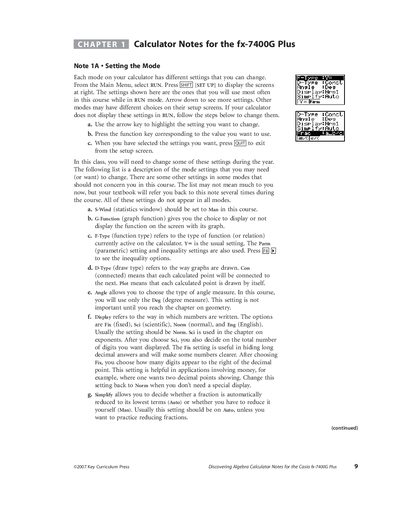
From the Main Menu select RUN, press [SET UP] to open the setup screen, highlight the desired setting, press the corresponding function key, then press [EXE] to exit.
Enter the data into a list, press [Fa] (MEAN) or [>] [Ft] (MED) for mean or median, and use [F2] (CALC) [Fl] (1VAR) to view all statistical values including mode.
Set the view window, then press [1] (GRPH) [+] [F4] (SET) to set up the graph, select G‑Type → Box, choose the list for X‑List and frequency, and press [QUIT] to display the plot.
A bar graph on the fx-7400G Plus can contain up to 14 list values.