
This document explains how to generate a sequence of random integers using the Casio fx-9750G Plus and CFX-9850GC Plus calculators. It provides a simple step-by-step procedure and program to generate random integers within a specified range, and demonstrates how to store the sequence into a list.
These notes guide users of the Casio fx-9750G Plus and CFX-9850cc Plus calculators through a variety of algebra‑related tasks. They cover generating random integer lists, simulating coin tosses, dice rolls, random walks, and using built‑in statistical commands.
The document also explains list manipulation (sorting, cumulative sums, filling with sequences), probability calculations (permutations, combinations, factorials), and includes sample programs such as RNDINT and CITIES for advanced simulations.
| Maximum list length | 255 entries |
|---|
A list can contain up to 255 entries.
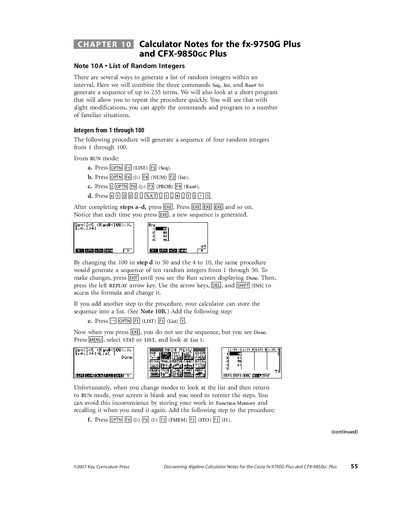
Use the Seq, Int, and Ran# commands as shown: the procedure will generate a sequence of four random integers from 1 through 100.
Use the nPr command on the Run screen.