
This is a Ultra ATA/133 IDE RAID controller card that provides two IDE connectors and supports Ultra ATA/133 protocols and optional RAID functions 0, 1, and 0+1.
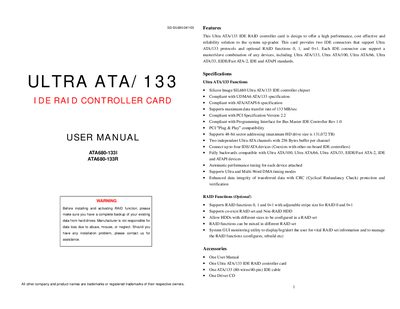
This manual describes the Ultra ATA/133 IDE RAID controller card, which uses the Silicon Image SIL680 chipset and supports Ultra ATA/133, Ultra ATA/100, Ultra ATA/66, Ultra ATA/33, EIDE/Fast ATA‑2, IDE and ATAPI devices. It offers optional RAID 0, 1 and 0+1 functions, PCI Plug & Play compatibility, 48‑bit sector addressing, and up to four IDE/ATA devices.
The guide walks through hardware installation, jumper settings, driver installation for Windows 98/ME/NT/2000/XP, and the Medley software used to manage UDMA modes and RAID settings. It also covers BIOS configuration for booting from the RAID card and includes a list of accessories supplied with the product.
| Maximum data transfer rate | 133 MB/sec |
|---|---|
| UDMA support | UDMA6 (ATA/133) |
| Sector addressing | 48‑bit (max drive size 131,072 TB) |
| IDE device support | Up to four IDE/ATA devices |
| PCI compliance | PCI Specification Version 2.2 |
The driver supports Windows 98/98SE, Windows ME, Windows NT, Windows 2000 and Windows XP.
The controller can connect up to four IDE/ATA devices.
The optional RAID functions include RAID 0, RAID 1 and RAID 0+1.