
SL2 Wireless Surround Link
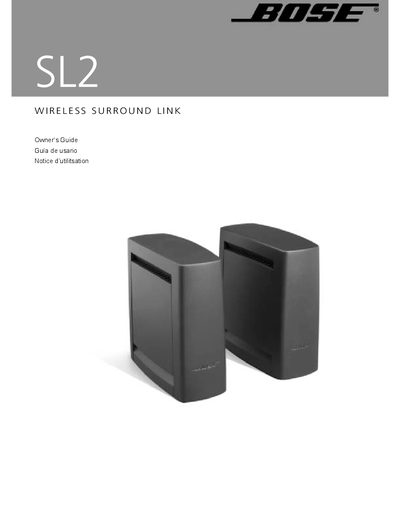
This Owner's Guide explains how to safely install and operate the Bose SL2 Wireless Surround Link, a radio‑frequency transmitter and receiver pair that delivers left and right surround audio without running cables between the front and rear of the room. It includes safety warnings, unpacking instructions, and recommended placement for optimal performance.
The guide details how to connect the transmitter to an Acoustimass or LIFESTYLE system, how to use the supplied power packs and speaker cables, how to adapt cables for Jewel Cube® speakers, and how to interpret the status LEDs. Warranty and service information are also provided.
| Transmitter range | 6 ft (2 m) to 30 ft (9.2 m) |
|---|---|
| Power supply (U.S./Canada) | 120 VAC |
| Power supply (U.K./Singapore) | 230 VAC |
| Power supply (Australia) | 240 VAC |
Set the switch on the bottom of the SL2 transmitter to the "Other" position.