
This document is the user manual for Nikon digital cameras, which introduces the basic operations and shooting techniques of the camera
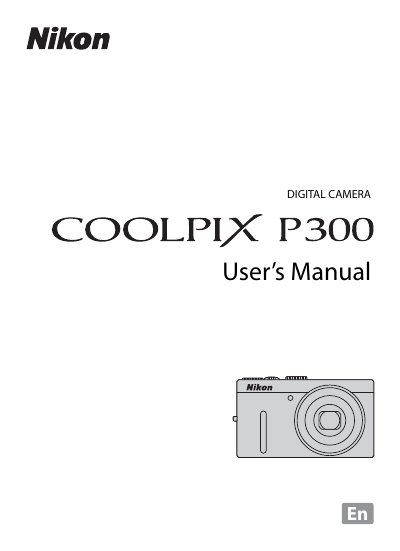
This manual guides users through safe handling, battery care, and basic camera setup, including turning the camera on, inserting the battery and memory card, and adjusting display settings. Detailed sections cover shooting modes, flash operation, autofocus, and video recording, as well as playback and image management.
Technical notes give the camera’s specifications such as a 12.2 MP CMOS sensor, 4.2× optical zoom NIKKOR lens, ISO 160‑3200 range, and supported SD/SDHC/SDXC cards. The document also includes FCC/CE notices, warranty information, and troubleshooting tips. This manual is written in Chinese.
| Effective pixels | 12.2 million |
|---|---|
| Image sensor | 1/2.3‑in. type CMOS |
| Optical zoom | 4.2× |
| ISO sensitivity range | ISO 160‑3200 (auto 160‑1600) |
| Battery type | Rechargeable Li‑ion Battery EN‑EL12 |
Insert the EN‑EL12 battery into the camera and connect the Charging AC Adapter EH‑69P; charging takes about 4 hours.
The camera works with SD, SDHC, and SDXC memory cards.
Yes, HDMI output can be set to Auto, 480p, 720p, or 1080i.