
This document describes the system requirements and label creation features of Panduit. It provides multiple language options and market-specific labeling application tools. The program can be used to create various types of labels, including thermal transfer, dot matrix, laser, and inkjet labels.
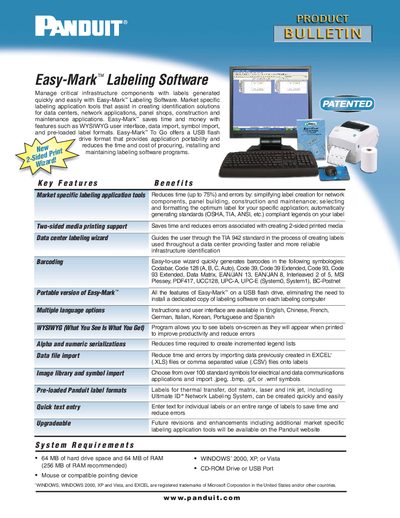
Easy-Mark™ Labeling Software provides a WYSIWYG interface and a range of tools for creating identification labels for data centers, network, panel shop, construction and maintenance applications. It includes market‑specific labeling wizards, barcoding support, multi‑language UI, symbol libraries and pre‑loaded Panduit label formats.
The leaflet lists system requirements (64 MB hard‑drive space, 64 MB RAM, Windows 2000/XP/Vista), ordering part numbers (PROG‑EMCD3 CD‑ROM, PROG‑EM2GO USB portable version) and worldwide Panduit contact information for support and warranty.
| Minimum hard‑drive space | 64 MB |
|---|---|
| Supported operating systems | Windows 2000, XP, Vista |
| Required input device | Mouse or compatible pointing device |
| Required drive/port | CD‑ROM Drive or USB Port |
Easy‑Mark runs on Windows 2000, Windows XP, or Windows Vista.
A portable version is available on a USB flash drive (part number PROG‑EM2GO).