
This document is the operating manual of RTH2310 Programmable Thermostat, which introduces the functions and features of the product, and the usage methods.
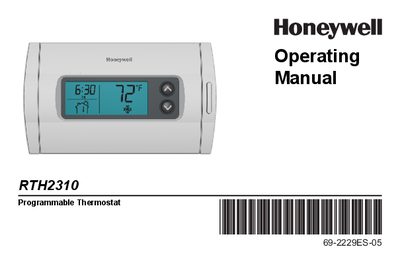
This manual explains how to install, configure, and use the Honeywell RTH2310 programmable thermostat. It covers basic features such as the backlit display, weekday/weekend scheduling, Early Start, and built‑in compressor protection, as well as detailed programming steps and quick‑reference guides for controls and the display screen.
The guide also includes appendices for filter and battery replacement, customer assistance information, and the limited warranty terms. Follow the three‑step quick start to get the thermostat operating, then use the schedule and override functions to fine‑tune comfort and energy savings.
| Display | Backlit, easy to read |
|---|---|
| Early Start | Learns heating/cooling time to reach set temperature |
| Compressor protection | 5‑minute wait before restart |
Press the backlight button to activate the display, then follow the instructions on page 7 to set the time.
It prevents damage by forcing the compressor to wait five minutes before restarting, flashing an icon during the wait period.
Press the setpoint button to temporarily override the temperature setpoint; see page 14 for details.
Early Start learns how long your heating or cooling system takes to reach the desired temperature and activates it early so the set temperature is reached at the scheduled time.