
This manual provides information on how to use the OP7, OP17 operator panels. It explains how to use the basic functions, expanded functions, and how to configure devices.
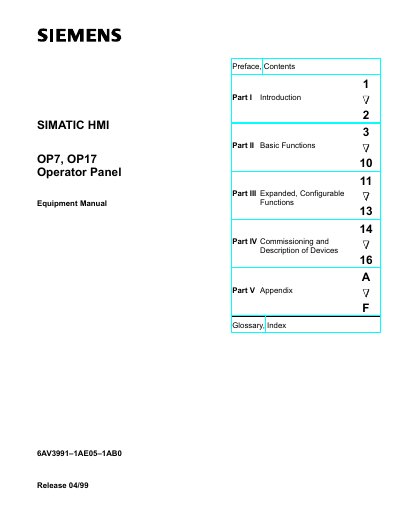
This equipment manual for the Siemens OP7 and OP17 operator panels covers an overview of the panels, their basic operation, and expanded configurable functions such as online system settings, PLC jobs, and scheduling. It also details the mechanical and electrical installation steps, commissioning procedures, and maintenance information.
Technical specifications, interface assignments, and a comprehensive index are included, making the manual a complete reference for qualified personnel who install, configure, and operate these HMI devices.
| Overall dimensions (OP7) | 144 mm x 180 mm x 42.5 mm |
|---|---|
| Degree of protection (front) | IP65 |
| Degree of protection (rear) | IP20 |
| Weight (OP7) | 0.430 kg |
| Flash memory (OP7) | 128 kbytes |
| Number of display lines | 4 (configurable to 8) |
| Characters per line | 20 (or 40 when 8 lines) |
| Font size | 8 mm (OP7) / 11 mm or 6 mm (OP17, depending on lines) |
The front panel of the OP7 has an IP65 degree of protection.
The OP7 measures 144 mm × 180 mm × 42.5 mm (W × H × D).