
The SP 5-GFX1 is a 128 x 64 pixel graphic dot matrix display with high contrast LCD, 6 o'clock viewing direction, yellow-green LED backlighting and serial data interface based on Sunplus controller.
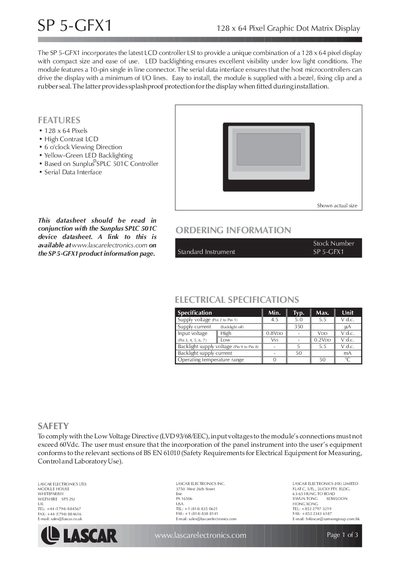
The SP 5‑GFX1 graphic dot‑matrix display offers a 128 × 64 pixel high‑contrast LCD with a 6 o’clock viewing direction and yellow‑green LED backlighting. It is based on the Sunplus SPLC‑501C controller and uses a serial data interface, allowing the host microcontroller to drive the display with a minimum of I/O lines. The module is supplied with a 10‑pin connector, bezel, fixing clip and a rubber seal that provides splash‑proof protection.
Electrical specifications include a supply voltage of 4.5 V to 5.5 V (typical 5.0 V), a supply current of 350 mA when the backlight is off, and a backlight supply voltage of 5 V to 5.5 V with a current of 50 mA. The operating temperature range is 0 °C to 50 °C. The device complies with the Low Voltage Directive (LVD 93/68/EEC) and BS EN 61010 safety standards.
| Resolution | 128 x 64 pixels |
|---|---|
| Backlight color | Yellow‑Green LED |
| Viewing direction | 6 o'clock |
| Supply voltage | 4.5‑5.5 V |
| Supply current (backlight off) | 350 mA |
| Backlight supply voltage | 5.0‑5.5 V |
| Backlight supply current | 50 mA |
| Operating temperature range | 0 °C to 50 °C |
| Dimensions (approx.) | 48.0 mm × 46.0 mm |
The module uses a serial data interface (SI and SCL pins) to communicate with a host microcontroller.
The serial data interface allows the display to be driven with a minimum number of I/O lines.