
This manual provides additional information about the BenQ MX615+ and MX660P projectors, including how to use the Web Control Lock and Projection Login Code features.
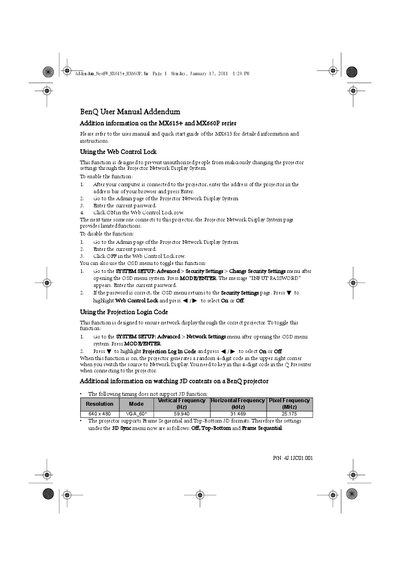
The addendum supplements the standard user manual for BenQ MX615+ and MX660P series projectors. It explains how to enable and disable the Web Control Lock and Projection Login Code to secure network display settings.
It also lists supported 3D formats, notes unsupported resolutions, and gives guidance for using the MyScreen capture function, including image size limitations.
| Unsupported 3D resolution | 640 x 480 VGA_60* |
|---|---|
| Supported 3D formats | Frame Sequential, Top-Bottom |
Open the projector’s Admin page in the Projector Network Display System, enter the current password, and click ON in the Web Control Lock row.
Go to SYSTEM SETUP > Advanced > Network Settings, press W to highlight Projection Log In Code, and select Off.
The projectors support Frame Sequential and Top‑Bottom 3D formats.