
This document introduces the features and usage of Comcast Custom DVR 3-Device remote control
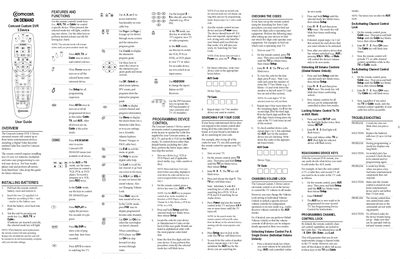
This guide introduces the Comcast Custom DVR 3-Device universal remote, which can control up to three home‑entertainment devices such as a cable box, TV, and VCR. It details how to install the required AA batteries, use the mode keys (AUX, TV, Cable) and other functions, and program the remote for various brands.
The manual also covers advanced features like changing volume lock modes, reassigning device keys, activating or de‑activating channel‑control lock, and provides troubleshooting steps for common issues such as non‑blinking keys or unresponsive devices.
| Battery type | AA (2 required) |
|---|---|
| Maximum devices controlled | 3 |
In the desired mode, hold Setup until the mode key blinks twice, then enter 9‑9‑3 and press VOL‑ (for individual unlock) or VOL+ (for global unlock). The mode key will blink four times to confirm.
Replace the two AA batteries with fresh ones, as low battery power can prevent the keys from blinking.