
This is a manual for Panasonic DMC-G2K digital camera.
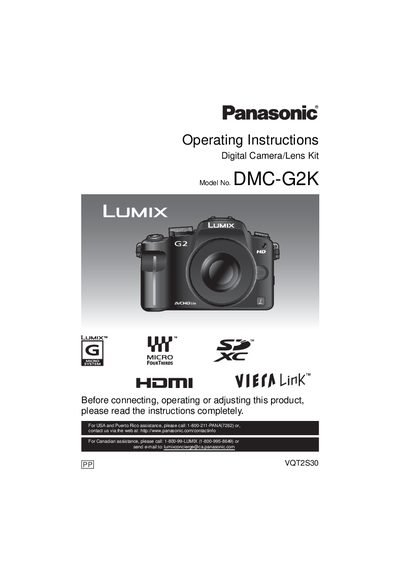
This manual provides safety warnings, battery‑handling guidelines, and step‑by‑step instructions for using the Panasonic DMC‑G2K digital camera. It explains how to attach lenses and accessories, charge the lithium‑ion battery, insert memory cards, and configure basic and advanced shooting settings.
Additional sections cover playback functions, connecting the camera to a TV or PC, using optional accessories such as external flash or remote shutter, and troubleshooting common issues. Contact information for Panasonic service centers in the Americas is also included.
| Model number | DMC-G2K |
|---|---|
| Battery type | Lithium ion battery pack |
| Battery charger voltage range | 110 V – 240 V AC |
It uses a lithium‑ion battery pack.
The charger operates on AC between 110 V and 240 V.
Turn the camera off and leave it for about two hours until the temperature equalises.
No – the manual warns not to expose the apparatus to rain, moisture, or splashing.