
This guide contains important information on installing and using your new Color Kinetics® Data Enabler EO. Please read it carefully and save it for future reference.
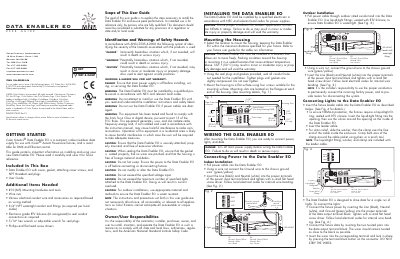
The Data Enabler EO is a compact indoor/outdoor data supply designed for use with iColor® Accent Powercore fixtures, supporting both DMX and Ethernet control. This manual explains how to install the unit safely, mount it, connect power, lights, and data, and seal it for outdoor use.
Key sections cover safety hazard identification, mounting the housing, wiring power and fixture connections, Ethernet and DMX data wiring, sealing the enclosure, and detailed product specifications such as power ratings, environmental limits, and connector types.
| Power Input | 100-240VAC, 50-60 Hz, 20 A Max |
|---|---|
| Power Output | 100-240VAC, 50-60 Hz, 20 A Max |
| Power Consumption | 10 W |
| Heat Dissipation | 10 W Max |
| Ambient Temperature Range | -4 °F to 122 °F (-20 °C to 50 °C) |
| Packaging Dimensions | 9.7" × 3.5" × 3.2" (24.6 cm × 8.9 cm × 8.1 cm) |
| Connectors | Power In: 3‑wire terminal block; Power Out: 3‑wire terminal block; Data Out: 4‑wire terminal block |
| Protection Rating | IP66 |
| Listings / Certifications | UL/cUL, CE, Class 1 |
The main power supply must be turned off, installation must be performed by a qualified professional, and all NEC and local code requirements must be followed.
Connect the ground wire to the chassis ground, then insert the line (black) and neutral (white) wires into the proper terminals of the power input terminal block and tighten.
It operates on 100‑240 VAC, 50‑60 Hz, with a maximum current of 20 A for both input and output, and consumes 10 W of power.