
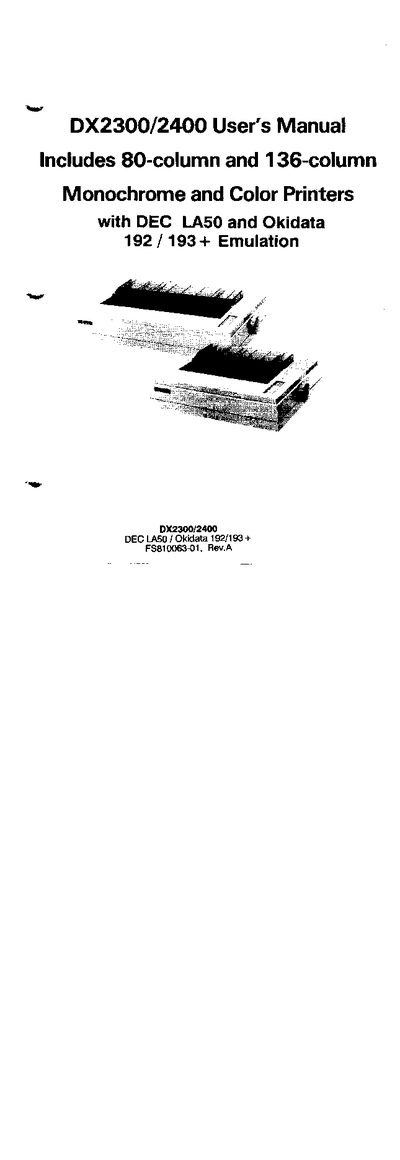
This manual covers installation, configuration, and daily use of the Fujitsu DX2300/2400 printer. It explains the two printer versions (80‑column and 136‑column), supplies and optional accessories, and the supported emulation modes (DEC LA50 and Okidata 192/193+). Detailed sections describe paper handling, character sets, interface options, and memory board upgrades.
Safety and regulatory information, such as FCC compliance and power‑cord length limits, are included, along with a comprehensive command set for graphics and density control. The guide also lists available consumables, optional feed mechanisms, and references to related publications like the Maintenance Manual and Parts Catalog.