
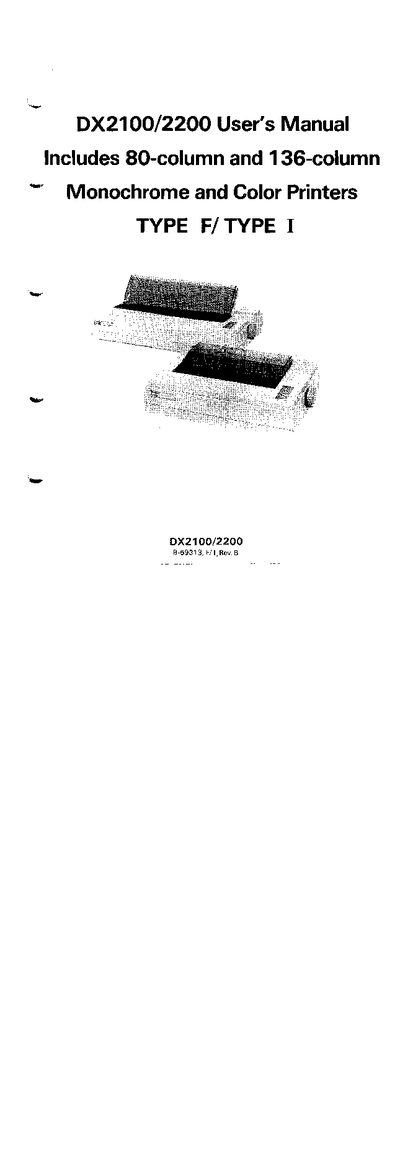
This manual guides you through unpacking, installing memory boards, connecting the interface, and configuring DIP switches for the Epson DX2100/2200 printer. It includes a Quick Start Chart, detailed feature descriptions, and a command reference for both serial and parallel interfaces.
The document also covers FCC compliance, interference mitigation, and optional accessories such as the color kit and auto‑load paper feeder. Technical specifications, troubleshooting tips, and programming tables are provided for both novice and experienced users.
| Print speed | Up to 220 characters per second |
|---|---|
| Printing noise | 55 dB |
| Character resolution (NLQ) | 19 × 16 dots |
| Print line length (80‑column) | 8 inches |
| Print line length (136‑column) | 13.6 inches |
| Optional color printing | Requires color kit and four‑color ribbon cassette |
| Input buffer memory | 8 KB or 16 KB (80‑column), 10 KB or 18 KB (136‑column) |
Follow the FCC recommended measures such as reorienting the receiving antenna, relocating the printer, moving it away from the receiver, or plugging it into a different outlet.
Install the optional color kit and a four‑color ribbon cassette; then the printer will produce color output.