
The One For All Access 5 Universal Remote Control is designed to operate five home entertainment devices, including TV, video, and audio components. The remote control requires two fresh AAA alkaline batteries (not included) and easy programming to control your devices. For best results, please read and perform all instructions listed here. Also, keep these instructions for future reference.
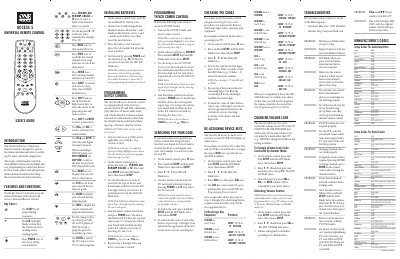
The One For All Access 5 Universal Remote Control is designed to operate five home entertainment devices such as TV, video, and audio components. It runs on two fresh AAA alkaline batteries and features an LED indicator that blinks to confirm operation.
The guide explains how to install batteries, program devices, re‑assign keys, change volume lock settings, and troubleshoot common issues. Detailed manufacturer code tables are included for a wide range of audio, video, and home‑automation products.
| Battery type | 2 x AAA alkaline (not included) |
|---|---|
| Devices controllable | 5 home entertainment devices |
| LED indicator | Red LED blinks to show operation |
Open the battery cover on the back, insert two fresh AAA alkaline batteries matching the polarity marks, and close the cover until it clicks.
Press and hold SETUP until the LED blinks twice, then enter the four‑digit manufacturer code for the device and press POWER to test.
Check that the LED blinks when a key is pressed; if it does not, replace the batteries with two new AAA alkaline cells.
Press and hold SETUP until the LED blinks twice, enter 9‑9‑3, then press the desired mode key to set the new volume lock.