
This document is the user manual for Samsung GT-E1190 mobile phone. It introduces the usage and precautions of the phone.
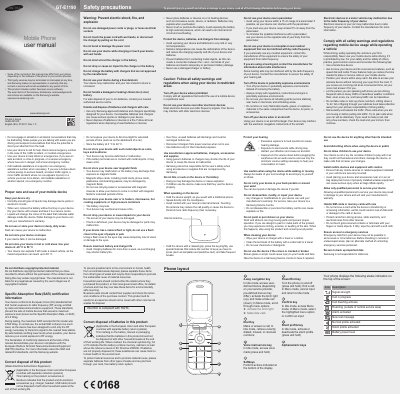
This manual begins with safety precautions, covering electrical shock, battery handling, SAR limits, and proper disposal of the device and its accessories. It also details environmental limits such as operating temperature and storage conditions.
The second part explains how to install the SIM card and battery, power the phone on and off, navigate menus, make calls, adjust volume, change ringtones, and lock the device. Step‑by‑step instructions are provided for each function along with the corresponding key symbols.
| Maximum SAR | 0.562 W/kg |
|---|---|
| Operating temperature range | -20 °C to 50 °C |
| Battery storage temperature | 0 °C to 40 °C |
| Battery type | Lithium Ion (Li‑Ion) |
The maximum SAR recorded for the GT‑E1190 is 0.562 W/kg.
Remove the back cover, insert the SIM card, then insert the battery and replace the back cover.