
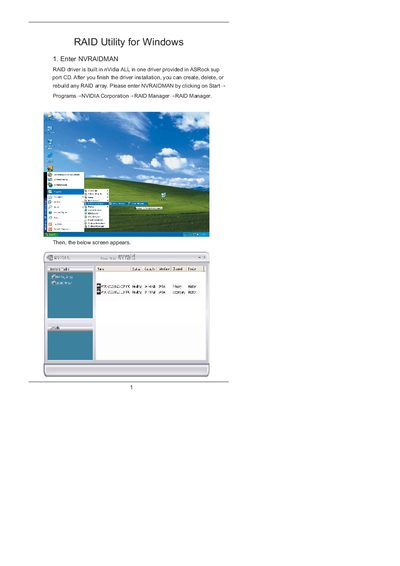
The manual provides step‑by‑step instructions for using the NVRAIDMAN utility that comes with the NVIDIA RAID driver. It covers entering the program, configuring RAID 0 (striping) and RAID 1 (mirroring) arrays, and selecting disks in the BIOS.
Additional sections describe how to rebuild a degraded RAID 1 array, including background operation details and limitations. The guide includes screenshots and notes on required RAID‑enabled BIOS settings.
| Supported RAID levels | RAID 0, RAID 1 |
|---|---|
| Maximum disks per array | up to the system's maximum supported number of disks |
Enter the BIOS, enable RAID for the desired drives, boot Windows, launch NVRAIDMAN, click Create Array, select Striping as the RAID mode, choose the disks, and finish the wizard.
Open NVRAIDMAN, choose Rebuild Array from the popup menu, select the drive to rebuild, and follow the wizard; rebuilding runs in the background and applies only to RAID 1.