
This document mainly introduces how to create RAID0 and RAID1 arrays through NVRAIDMAN, including the installation of RAID drivers, creation of RAID arrays and deletion of RAID arrays
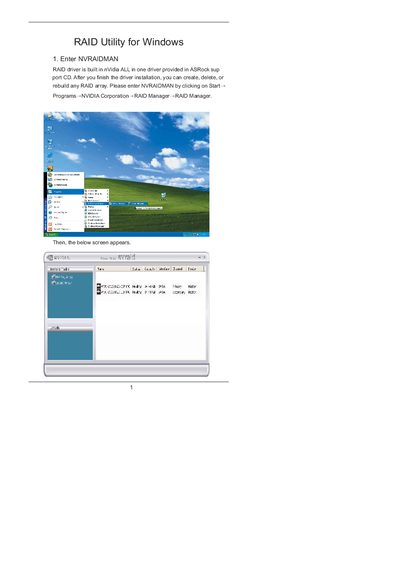
This manual explains how to use the NVIDIA NVRAIDMAN utility that is included on the ASRock support CD. It covers creating RAID 0 (striping) and RAID 1 (mirroring) arrays, as well as rebuilding degraded RAID 1 arrays.
Step‑by‑step instructions show how to enable RAID in the BIOS, launch the NVRAIDMAN application, select disks, choose RAID mode, and complete the wizard. Additional information on background rebuilding and supported array types is also provided.
Enable RAID in the BIOS, boot to Windows, launch NVRAIDMAN, click Create Array, select Mirroring as the RAID mode, choose two disks, and complete the wizard.
Yes. From the popup menu choose Rebuild Array, select the drive to rebuild, and follow the wizard; rebuilding occurs in the background.
No. Rebuilding is only supported for RAID 1 (mirrored) arrays.