
This document is about Samsung PTZ Controller SCC-1000 user manual, which introduces the product's features and characteristics, including controller button layout, package contents, system diagram, names and functions, controlling PTZ camera, setting controller environment, etc.
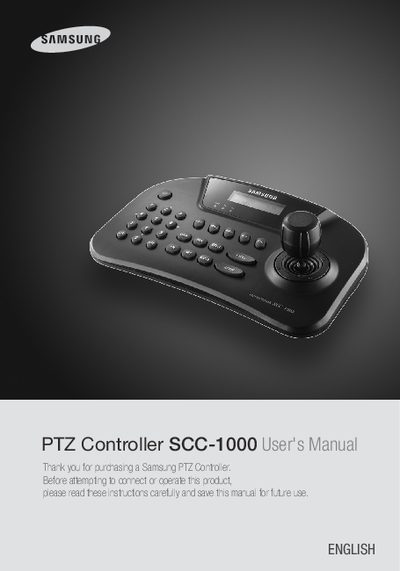
The SCC-1000 PTZ Controller from Samsung provides control of PTZ dome and zoom cameras via a 3‑axis joystick and dedicated buttons. It supports multiple protocols, up to 255 cameras, and serial communication over RS‑485/422.
The manual includes safety cautions, wiring diagrams, button functions, preset and swing settings, and detailed configuration steps such as password entry, protocol selection, and baud‑rate adjustment.
| Maximum cameras supported | 255 |
|---|---|
| Supported protocols | Samsung Techwin (SPD), PELCO‑D, PELCO‑P, Samsung Electronics (SEC), Panasonic, Vicon, AD, Honeywell |
| Serial interface | RS‑485/422 |
| Baud rate (default) | 9.6 Kbps |
| LCD display | 16×2 character LCD |
| Power adapter | DC 1‑Terminal Block |
It can control up to 255 cameras.
The default password is 0000.
Hold down the LOCK button to lock the controller.