
ITP-5107S IP Keyset User Guide is a user manual for OfficeServ™ 100,OfficeServ™ 500, OfficeServ™ 7000 Series IP Keyset published by Samsung Telecommunications America. It mainly introduces the assembly, setup, external calls, internal calls, call processing and other functions of the product
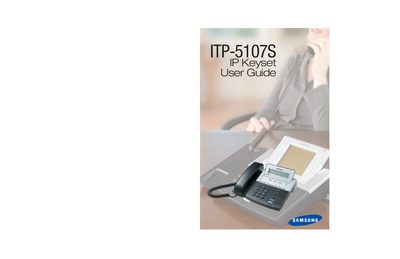
The Samsung ITP-5107S is an IP‑based telephone keyset for OfficeServ 100, 500 and 7000 series systems. It uses an IP address to send and receive voice and data over the existing data network, and includes an LCD screen for easy navigation of functions.
The guide covers assembling the keyset, configuring outside and intercom calls, dialing features, paging, messaging, convenience options, and customization settings such as ring tones, password changes, and display preferences. Detailed tables list personal speed‑dial numbers and system feature codes for quick reference.
| Display | LCD screen |
|---|---|
| Network type | IP |
Program personal speed‑dial numbers using the Speed Dialing feature outlined in the Dialing Features chapter.