
This document provides the user guide for the Nokia E90 Communicator, including the features and functions of the product.
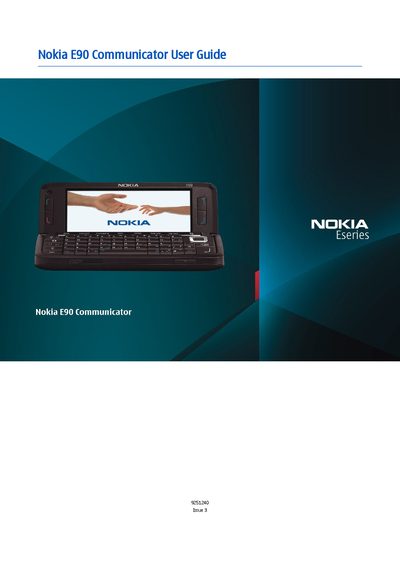
This guide covers safety precautions, device overview, and basic operation of the Nokia E90 Communicator, including how to insert the SIM card and battery, power the device, and navigate the user interface. It also explains the device’s hardware features such as the camera, display, and audio controls.
Further sections describe network services, connectivity options (Bluetooth, WLAN, GPRS), GPS mapping, messaging, telephone functions, media playback, and system settings. The manual includes detailed instructions for security, data backup, and troubleshooting, as well as an index for quick reference.
| Model number | E90-1 |
|---|---|
| Supported networks | GSM 850/900/1800/1900, WCDMA 2100 |
Open the back cover, remove the battery if present, insert the SIM card with the contacts facing the device, then re‑insert the battery aligning the contacts.
The device supports Bluetooth, infrared, WLAN (Wi‑Fi), and GPRS/packet‑data connections for internet access.