
MiniPad User Manual, introduces the features, functions, installation and other products
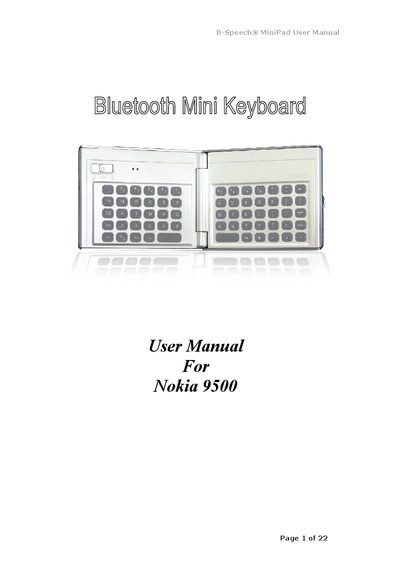
This manual covers the Bluetooth Mini Keyboard (BK300) features, power switch operation, LED indicators, and driver installation methods for Nokia 9500 smartphones. It explains how to install, upgrade, or remove the keyboard driver via PC Suite, AutoRun CD, infrared or Bluetooth file transfer.
The guide also details configuration options such as active keyboard mode, reconnection, typing repeat rate and delay, power‑saving mode, and keyboard testing. A specifications table lists dimensions, weight, and environmental limits, while the troubleshooting appendix answers common connection and driver issues.
| Horizontal dimension (closed) | 90 mm |
|---|---|
| Horizontal dimension (open) | 172 mm |
| Vertical dimension | 71 mm |
| Depth (closed) | 12 mm |
| Depth (open) | 6 mm |
| Weight | 83 g |
| Operating temperature | -10 °C to 50 °C |
| Operating humidity | 5 % to 90 % RH |
| Storage temperature | -30 °C to 70 °C |
| Storage humidity | 5 % to 90 % RH |
Make sure the keyboard is in the connected status, indicated by the LED flashing pattern.
Check whether the keyboard is still linked; close the application on the device before attempting removal again.