
This document is the operating instructions for the Sony MDS-E12 Mini-disc Recorder, which introduces the functions of the product such as recording, playing, editing, and the functions of the rear panel terminals.
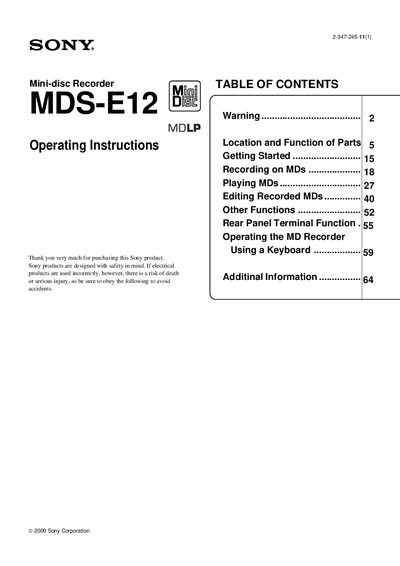
This manual explains how to set up, operate, and maintain the Sony MDS‑E12 Mini‑disc Recorder. It includes safety notices for different regions, power‑source requirements, and handling precautions to prevent damage or injury.
The guide details the front and rear panel controls, remote functions, keyboard operation, and editing features such as track erase, combine, and fade‑in/out. It also covers connection options (analog XLR, unbalanced, digital coaxial, RS‑232C) and how to configure the voltage selector for 120 V or 230 V operation.
| Voltage selector | 120 V or 230 V selectable |
|---|
Do not use a polarized AC plug with an extension cord unless the blades can be fully inserted to prevent exposure.
Use a screwdriver to turn the voltage selector on the rear panel to the appropriate 120 V or 230 V position before connecting the AC cord.
Press the EJECT button on the front panel or remote to eject the MD.