
The document is a user manual for a mobile phone, which introduces the various functions and settings of the phone, including battery level display, call diverting, call waiting, call barring, keypad volume adjustment, ringtone settings, etc.
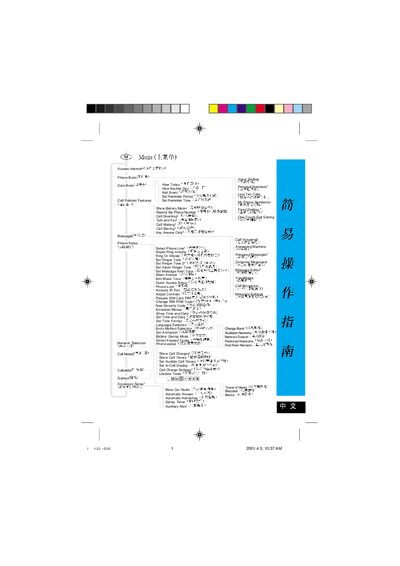
The guide covers basic phone functions such as managing contacts, setting up the device, adjusting ring volume, and configuring alarms. It also explains how to use quick‑access shortcuts, special function keys, and additional utilities like the calculator and games.
Detailed sections describe network selection, battery monitoring, IR port activation, and security features like phone lock and automatic answering. Users can follow the illustrated steps to customize tones, manage SIM settings, and access datebook and messaging tools. This manual is written in Chinese.
Choose the "Set Ringer Tone" option in the phone settings.
Use the "Phone Lock" feature.
Select "Find New Network" from the network menu.