
HBT920 universal remote control user manual, introduces the functions and operating methods of the remote control.
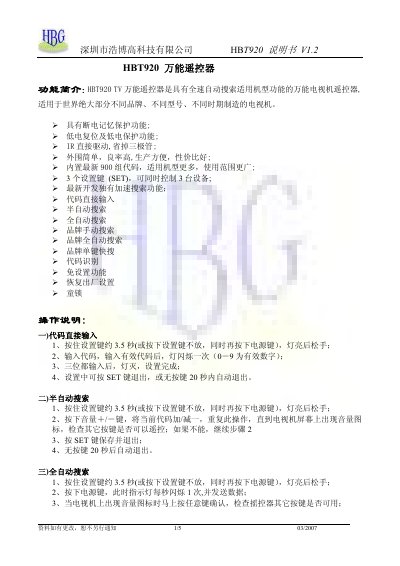
The HBT920 is a universal TV remote with full‑speed automatic search, power‑off memory, low‑voltage protection, and IR direct drive. It contains three SET keys that can control up to three devices and includes a built‑in library of 900 code groups.
The manual explains several programming methods such as direct code entry, semi‑automatic, full‑automatic, brand‑specific searches, and a no‑setup mode. It also provides a circuit diagram, factory‑reset procedure, and child‑lock feature. This manual is written in Chinese.
| Number of SET keys | 3 |
|---|---|
| Built‑in code groups | 900 |
| IR driver type | Direct drive |
Hold the SET key and simultaneously press the ‘0’ key; the remote will restore its factory defaults.
Short‑circuit IC pins P1.2 and P0.7; this activates the no‑setup mode so the remote works without prior programming.
Press the SET key, then press the mute or ‘9’ key; the LED flashes twice to indicate the lock is engaged.