
HBT921 is a universal TV remote control with the function of automatically searching compatible models at full speed. It is suitable for most brands, models, and periods of manufacturing of television sets worldwide. It features power-off memory protection, low voltage reset, and low voltage protection. It is easy to operate and convenient to use.
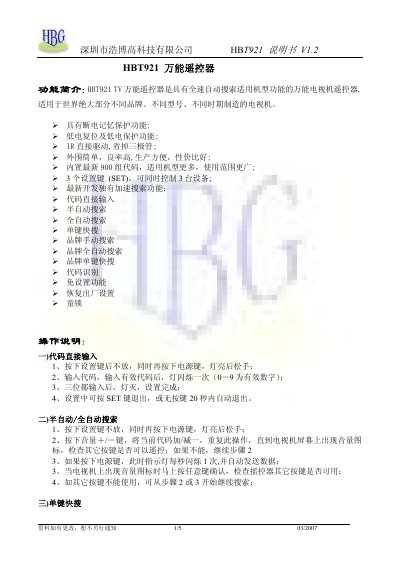
The manual introduces the HBT921 universal remote, highlighting its full‑speed automatic search, power‑off memory protection, low‑voltage reset, and the ability to control up to three devices with three SET keys. It also lists functions such as code input, semi‑automatic, full‑automatic and brand‑specific search modes, as well as lock and factory‑reset features.
Detailed operation instructions describe how to input codes, perform various search procedures, and use the remote's built‑in circuit. The document includes an application circuit diagram and a binding diagram to aid technicians and advanced users. This manual is written in Chinese.
| Number of SET keys | 3 |
|---|---|
| Document version | V1.2 |
| Release date | 03/2007 |
Press and hold the SET key, then press the power key; the indicator lights up. Enter the three‑digit code; the light flashes once for each valid digit, then turns off when the code is accepted.
Hold the SET key, press the power key, and release when the indicator lights. The remote will flash once per second and send data until the TV shows a volume icon, then confirm with any key.
Hold the SET key and press the '0' key simultaneously; the remote will restore its factory defaults.
Press the SET key, then press the mute or '9' key; the indicator flashes twice to indicate the lock is engaged. Repeat the same steps to unlock.