
HandyTracker User Manual v1.0

This is a HandyTracker user's manual
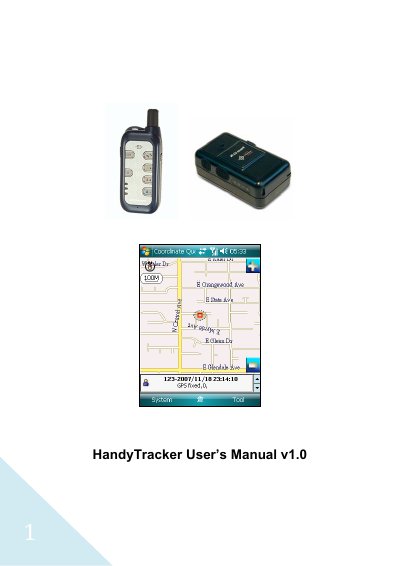

HandyTracker User Manual v1.0 - cover page
Brand
HandyTracker
Category
Vehicle GPS
Document type
User Manual
Language
English
Pages
57
File format
PDF
File size
1.4 MB
Published
12 April, 2012
Updated
30 September, 2023
MD5 checksum
DDD49BF5754FADD8E3CB1E00F5E124FA

About this manual

This manual explains how to install the HandyTracker software on Windows Mobile devices, activate it either by phone or PC, and use its mapping and reporting features. It covers hardware requirements, map installation, and basic configuration of the associated GlobalSat TR‑10x/TR‑15x trackers.

Additional sections describe screen navigation, data management functions such as record export and deletion, SMS‑based setup for TR‑150/TR‑151 devices, and coordinate query tools for locating positions using GPS data.

What's inside

  • Installing HandyTracker
  • Activating the software
  • HandyTracker screen overview
  • Using HandyTracker functions
  • Data management
  • TR‑150/TR‑151 setup by SMS
  • Coordinate query
  • Map functions
  • System requirements
Download PDF (1.4 MB)

More HandyTracker Manuals


View all HandyTracker manuals →